
ChatGPT is an AI-powered chatbot developed by OpenAI that can understand and respond to human language in a surprisingly natural way. Launched in November 2022, it quickly became one of the fastest-growing applications in history, reaching millions of users within weeks.
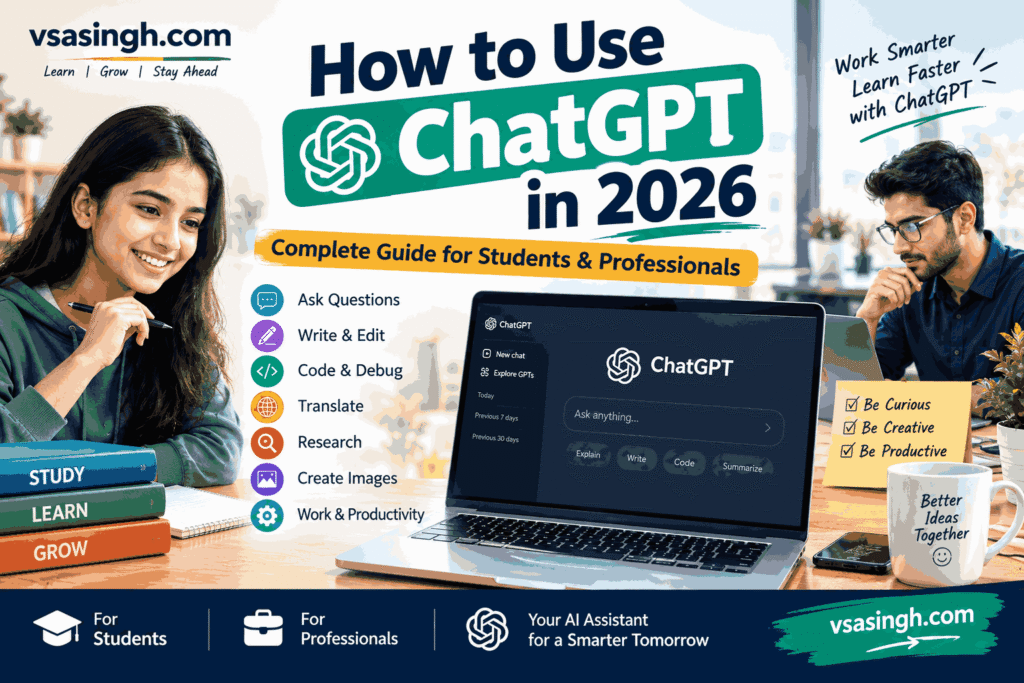
At its core, ChatGPT is built on a large language model (LLM) trained on vast amounts of text data. This allows it to answer questions, write essays, generate code, translate languages, summarize documents, and even have full conversations. You simply type a prompt, and ChatGPT responds — almost like chatting with a real person.
It’s used by students, writers, developers, marketers, and businesses worldwide. Some use it for learning, others for content creation, customer support, or brainstorming ideas. The free version offers solid performance, while ChatGPT Plus provides faster responses and access to advanced models.
However, ChatGPT isn’t perfect. It can sometimes produce incorrect or outdated information, so fact-checking is always wise. It also lacks real emotions and personal experience — it’s a tool, not a human.
Still, there’s no denying its impact. ChatGPT has changed how we search, write, and work. Whether you’re curious or career-focused, understanding ChatGPT is quickly becoming a basic digital skill.
How to Get Started with ChatGPT
Getting started with ChatGPT is easier than you might think — no technical skills required. Here’s a simple step-by-step guide to begin your journey.
Step 1: Visit the Website or App
Go to chat.openai.com or download the official ChatGPT app from Google Play Store or Apple App Store.
Step 2: Create an Account
Sign up using your email address, Google account, or Microsoft account. It’s free and takes less than a minute.
Step 3: Verify Your Details
You’ll need to verify your email and phone number. Once done, you’re ready to go.
Step 4: Start Chatting
Type your question or prompt in the message box and hit send. ChatGPT will respond within seconds. You can ask anything — from writing help to coding support to simple explanations.
Step 5: Explore Features
Try uploading files, generating images, using voice input, or asking follow-up questions. The more specific your prompt, the better the response.
Step 6: Upgrade If Needed
The free version works great for most users. If you want faster responses and access to advanced models, consider ChatGPT Plus.
Tips for Beginners:
- Be clear and specific in your prompts
- Ask follow-up questions to refine answers
- Don’t share personal or sensitive information
- Always fact-check important information
How to Create a Chat GPT Account
Creating a Chat GPT account is quick, free, and simple. Here’s exactly how to do it.
Step 1: Go to the Official Website
Open your browser and visit chat.openai.com. You can also download the Chat GPT app from Google Play Store or Apple App Store.
Stp 2: Click on “Sign Up”
On the homepage, click the Sign Up button to begin the registration process.
Step 3: Choose Your Sign-Up Method
You have three options:
- Sign up with email
- Continue with Google account
- Continue with Microsoft account
Step 4: Enter Your Details
If using email, enter your email address and create a strong password. You’ll receive a verification link — click it to confirm.
Step 5: Verify Your Phone Number
OpenAI requires phone verification. Enter your mobile number and the OTP you receive.
Step 6: Complete Your Profile
Add your name and date of birth when prompted. This helps personalize your experience.
Step 7: Start Using ChatGPT
Once verified, you’re all set. Type your first prompt and start chatting instantly.
Important Tips:
- Use a valid email and phone number
- Choose a strong, unique password
- Free accounts work perfectly for most users
- Upgrade to Chat GPT Plus only if you need advanced features
How to Ask Questions to ChatGPT
Asking questions to ChatGPT is simple — but asking the right way makes a huge difference. Here’s how to get the best responses every time.
Step 1: Open Chat GPT
Go to chat.openai.com or open the app, and log into your account.
Step 2: Type Your Question
In the message box at the bottom, type your question or prompt clearly. Then press Enter or click the send button.
Step 3: Be Specific
Instead of asking “Tell me about marketing,” try “Explain digital marketing strategies for small businesses in 2025.” Specific prompts get specific answers.
Step 4: Provide Context
Add details like your goal, audience, or format. For example: “Write a 100-word Instagram caption for a coffee shop.”
Step 5: Ask Follow-Up Questions
ChatGPT remembers the conversation. You can refine answers by saying “Make it shorter” or “Add examples.”
Step 6: Use Commands
Try phrases like:
- “Summarize this in 5 points”
- “Explain like I’m a beginner”
- “Give me pros and cons”
How Students Can Use ChatGPT: Writing, Coding, Translation, Research, and More
ChatGPT has become one of the most useful tools for students today. From writing assignments to learning to code, it can simplify almost every academic task. Here’s a complete guide on how students can make the most of Chat GPT.
1. ChatGPT for Students
For students, how to use ChatGPT for students works like a personal tutor available 24/7. It can explain difficult concepts in simple language, summarize long chapters, create study notes, and even generate practice questions. Whether you’re preparing for exams or revising a topic, how to use ChatGPT for studying can break things down step by step. It’s especially helpful for subjects like history, science, and mathematics, where clear explanations matter. However, students should use it as a learning aid — not a shortcut for cheating.
2. ChatGPT for Writing
Writing is one of ChatGPT’s strongest areas. It can help you brainstorm ideas, create outlines, draft essays, improve grammar, and rewrite sentences for better clarity. Students can use it to write emails, reports, articles, and even creative stories. You can also ask it to adjust the tone — formal, casual, or persuasive. Just remember: always review and personalize the output. Your own voice and critical thinking should always be part of the final piece.
3. ChatGPT for Coding
Learning to code becomes much easier with Chat GPT. It can explain programming concepts, debug errors, generate code snippets, and help you understand how different languages like Python, Java, or HTML work. Beginners can ask for step-by-step tutorials, while advanced learners can use it to optimize algorithms or explore new frameworks. If you’re stuck on a project, how to use ChatGPT for homework can suggest solutions and explain why they work.
4. ChatGPT for Translation
ChatGPT supports multiple languages and can translate text quickly. Students learning a new language can use it to translate sentences, understand grammar, and practice conversations. It’s useful for translating assignments, research material, or even social media posts. However, for professional or highly technical translations, always cross-check with a reliable source, as nuances can sometimes be missed.
5. ChatGPT for Research and Information
ChatGPT helps students gather information, summarize articles, and explore topics from different angles. You can ask it to explain complex theories, compare viewpoints, or list key points on any subject. It’s great for quick research and building a foundation before diving deeper. That said, how to use ChatGPT for coding can occasionally produce outdated or incorrect information — so always verify facts using trusted sources like books, journals, or official websites.
6. Using ChatGPT with Images and Files
Modern versions of ChatGPT allow you to upload images, PDFs, and documents. Students can upload a photo of a math problem, a scanned page from a textbook, or a research paper and ask for explanations or summaries. This makes studying more interactive and efficient. You can also analyze charts, extract information, and get help with assignments in ways that were never possible before.
ChatGPT Limitations: What You Should Know Before Using It
ChatGPT is powerful, but it’s not perfect. Understanding its limitations helps you use it more wisely and avoid mistakes.
1. Incorrect or Outdated Information
ChatGPT can sometimes generate wrong or outdated answers. It doesn’t always verify facts, so important information should always be cross-checked with reliable sources.
2. No Real Understanding
ChatGPT doesn’t truly “understand” anything. It predicts responses based on patterns in data. This means it can sound confident even when it’s wrong.
3. Limited Knowledge Cutoff
Its training data has a cutoff date, so it may not know about recent events, news, or updates unless browsing is enabled.
4. No Personal Experience or Emotions
ChatGPT has no feelings, opinions, or real-world experience. It can mimic emotions but doesn’t actually feel them.
5. Privacy Concerns
Avoid sharing sensitive personal, financial, or confidential information. Conversations may be stored and used for training.
6. Bias in Responses
Like all AI trained on human data, ChatGPT can reflect biases present in that data.
7. Not Always Creative or Original
It can produce repetitive or generic content, especially without detailed prompts.
8. Cannot Perform Real-World Actions
ChatGPT can’t browse freely, make calls, or perform tasks outside its digital environment unless specific tools are enabled.
FAQs About ChatGPT
Q1. What is ChatGPT?
ChatGPT is an AI chatbot by OpenAI that answers questions, writes content, and helps with tasks like coding and translation.
Q2. Is ChatGPT free?
Yes, there’s a free version. ChatGPT Plus offers faster responses and advanced features for a monthly fee.
Q3. Can ChatGPT make mistakes?
Yes. It can give incorrect or outdated information, so always verify important facts.
Q4. Is my data safe?
Avoid sharing personal or sensitive information. Conversations may be stored for training.
Q5. Does ChatGPT work in Hindi?
Yes, it supports Hindi and many other languages.
Q6. Can students use ChatGPT?
Absolutely — for learning, writing help, and research. But use it responsibly.
Q7. Can ChatGPT replace Google?
Not fully. It’s great for explanations, but Google is better for real-time info
Conclusion
how does ChatGPT work has quickly become one of the most useful AI tools of our time. From writing and coding to translation, research, and study support, it offers incredible value to students, professionals, and everyday users. But like any tool, it comes with limitations — it can make mistakes, lacks real understanding, and should never replace human judgment. Use it wisely, verify facts, and treat it as a helpful assistant rather than a final authority. When used responsibly, how to use ChatGPT for learning can save time, boost creativity, and make learning easier.





Leave a Reply